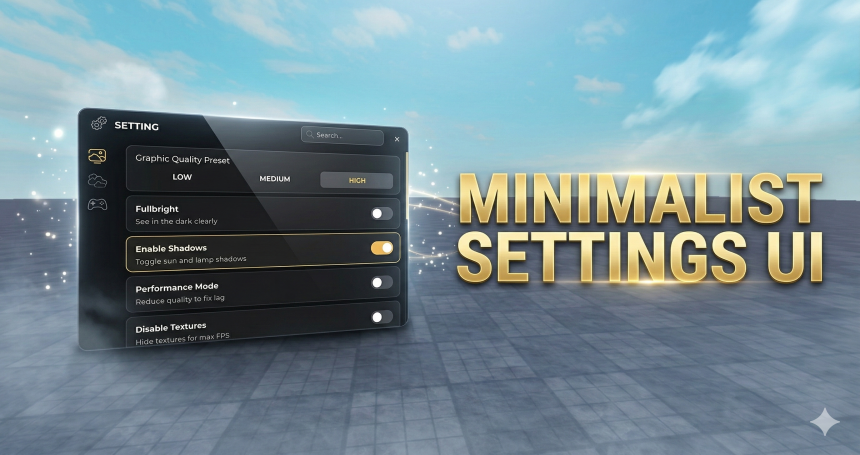
Minimalist Settings UI highly responsive and integrated settings system for a Roblox experience, which automatically adjusts the interface scale based on the player's device, whether they are on PC, Tablet, or Phone. Through TopBarPlus integration, users can access categorized menus (Graphics, Sky, and Game) featuring a real-time search function for efficient navigation. The system offers deep visual control—including quality presets, lighting adjustments, and atmospheric effects—while also handling technical management such as FPS optimization via texture disabling and global audio volume control.
Key Features:
- Adaptive UI Scaling: Dynamically resizes the UI to perfectly fit various screen resolutions and device types.
- TopBarPlus Integration: Uses a professional TopBar icon to toggle the menu, providing a native Roblox feel.
- Smart Navigation System: Utilizes a tab-based layout and a keyword search bar to help users find specific settings instantly.
- Performance Optimization (FPS Boost): Includes options to disable textures, shadows, and particle effects to ensure smooth gameplay on lower-end devices.
- Full Visual Customization: Provides total control over the time of day, skybox presets, Field of View (FOV), and post-processing effects like Bloom and Blur.
- Audio & Social Controls: Features a master volume slider that affects all in-game sounds and a toggle to hide bubble chat.